


GUIDE
Find and sell your home on Jaakko.com
Nearly every home already has a page of its own. Here's how to find it, say you're interested, and talk the deal through – all in one place.
Jaakko is a map of homes, and every home on it has its own page. You don't have to wait for something to come on the market – you can say you're interested in any building today.
The building pages are there already, so your own home – or the house of your dreams – is most likely on Jaakko already.
This guide runs through what you can do on Jaakko and where to find each part of it.
Every home has a page
The building page is what Jaakko is built on. It carries the building's basic details and Google Street View, so you get a feel for the place even when there isn't a single photo.
The same page shows the selling and buying interests other people have in that building. One look tells you whether anything is moving there.
Show interest lightly, or mean it
Not everything starts with a listing. On Jaakko you can show interest at several levels, and move up a level whenever you feel like it.
A like – the lightest touch
A like commits you to nothing. It's the smallest way to say a home interests you, and it tells everyone else there's something worth noticing here.
Following – stay in the loop
Follow a building and you'll hear about anything interesting that happens there. Nothing passes you by, even if you don't open the service every day.
A selling or buying interest – when you're serious
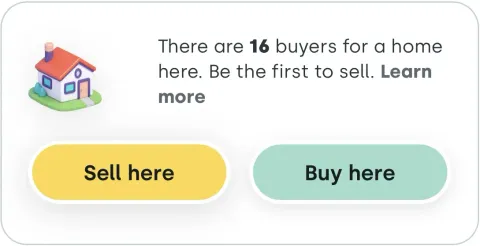
As an owner you tap Sell here, as a buyer Buy here. Either takes one tap, and neither commits you to anything.
You can also share a home you like with a friend – useful when you're looking for a new place together.
When two interests meet
When a selling interest and a buying interest land on the same building, both sides can see each other. The buyer opens the conversation with Ask more, the seller with Suggest.

It doesn't have to stay between the two of you: you can bring in a partner or the other side. Once a deal starts to look real, Messages is where you download the deed of sale template or ask for expert help under Help with the deal.
Where to find what
The service's home screen has four main sections:
Each tool has a guide of its own: price estimate, photo clean-up and visibility boost.
Getting started doesn't take a decision to buy or sell. Go and look at the page for your own home, or for one you like the look of – the rest can wait.
Find your own home on the map
The page is already there. Go and see what's happening on it.
Open the mapRead next
GUIDE
Sell your home yourself – and keep the commission
Read more →
MARKET
The quiet market: homes that never reach a public listing
Read more →
 TOOLS
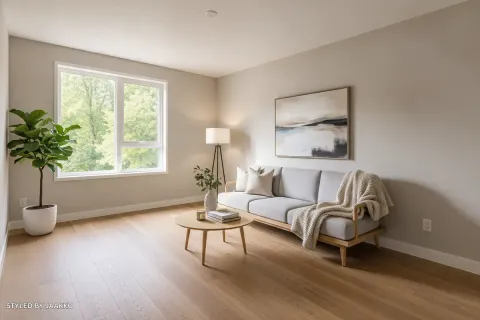
Good photos sell – without the big clean-up
Read more →
TOOLS
Good photos sell – without the big clean-up
Read more →
 TOOLS
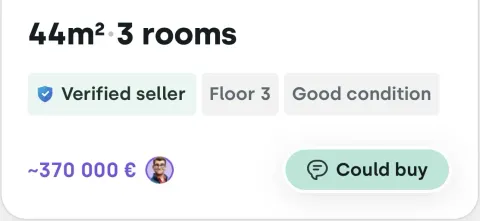
Price estimate: what is your home worth today?
Read more →
TOOLS
Price estimate: what is your home worth today?
Read more →
 TOOLS
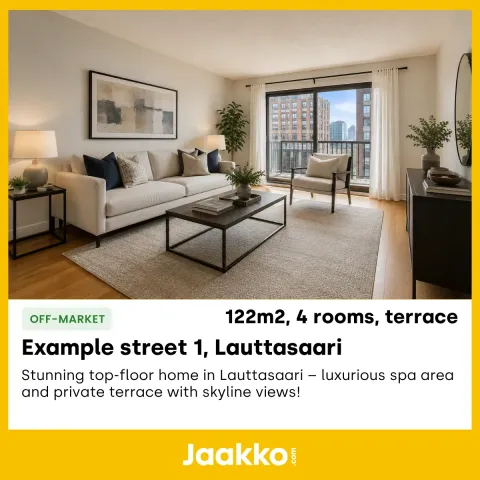
Visibility boost – reach buyers and sellers beyond Jaakko
Read more →
TOOLS
Visibility boost – reach buyers and sellers beyond Jaakko
Read more →